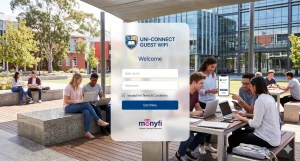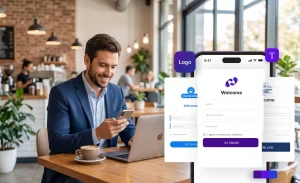
Co-working spaces are entering a new growth phase. Driven by hybrid work, freelancing, startups, and flexible enterprise teams, global co-working membership is projected to grow rapidly through 2026. In multiple industry surveys, reliable internet access is ranked as the number one amenity by more than 80 percent of members, even above location and meeting rooms.
Yet providing Wi-Fi in a shared workspace is no longer as simple as installing a fast router and sharing a password. Modern co-working Wi-Fi must support high-density usage, dozens or even hundreds of devices, frequent day visitors, and strict expectations around security and privacy. One compromised laptop or abused network can impact every member in the space.
At the same time, Wi-Fi has evolved from a basic utility into a strategic business tool. With the right Wi-Fi management for co-working spaces, operators can secure their networks, monetize access for drop-in users, and use data insights to improve member retention.
This article explores how co-working operators can turn co-working Wi-Fi into a competitive advantage in 2026. You will learn about common challenges, best practices for secure Wi-Fi for shared offices, proven monetization models, and how tools like Monyfi help transform connectivity from a cost center into a growth engine.

The Unique Wi-Fi Challenges in Co-Working Spaces
Co-working environments face Wi-Fi challenges that traditional offices or cafes rarely experience. Common pain points include:
- High-density Wi-Fi usage
Dozens of users connect simultaneously, often with multiple devices each, including laptops, phones, tablets, and IoT devices. - Constant user turnover
Members, guests, day pass users, and event attendees all require access, often for short periods. - Security risks in shared offices
Open networks increase the risk of device-to-device attacks, data leaks, and unauthorized access. - Bandwidth abuse
Video calls, cloud backups, and large downloads can slow the network for everyone if bandwidth control is not enforced. - Lack of visibility
Without Wi-Fi analytics for co-working operators, it is difficult to understand usage patterns or improve the experience. - No monetization strategy
Many operators give away guest Wi-Fi for co-working spaces without realizing it can support new revenue streams.
Why Traditional Wi-Fi Falls Short in Shared Workspaces
Many co-working spaces still rely on basic Wi-Fi setups designed for homes or small offices. These approaches struggle to scale and secure shared environments.
Traditional Wi-Fi vs Managed Wi-Fi Solutions
| Feature | Single Password Wi-Fi | Captive Portal and Managed Wi-Fi |
|---|---|---|
| Security | Shared password, high risk | Device isolation and access control |
| Scalability | Poor in high-density spaces | Designed for many concurrent users |
| Guest Access | Manual password sharing | Self-service login and vouchers |
| Monetization | Not possible | Day passes, tiered access, upsells |
| Analytics | None | Real-time usage and insights |
| Compliance | Weak | GDPR-compliant guest Wi-Fi options |
For flexible workspace connectivity in 2026, captive portals and enterprise-grade Wi-Fi management are no longer optional.

Best Practices for Secure and Reliable Co-Working Wi-Fi
To deliver secure Wi-Fi for shared offices, operators should follow these proven best practices:
- Use network segmentation
Separate member Wi-Fi, guest Wi-Fi, and internal systems like printers or POS devices. - Enable device isolation
Prevent connected devices from seeing or accessing each other on the network. - Adopt WPA3 or enterprise-grade encryption
Strong encryption protects sensitive business traffic. - Implement bandwidth control
Set limits per user or device to prevent abuse and ensure fairness. - Deploy high-density access points
Hardware optimized for crowded environments improves stability. - Offer guest Wi-Fi through a captive portal
Replace shared passwords with controlled, trackable access. - Use tiered Wi-Fi access
Differentiate speeds or data limits for members, guests, and premium users. - Monitor network performance continuously
Use dashboards and alerts to detect issues before members complain. - Ensure GDPR-compliant guest Wi-Fi
Collect only necessary data and provide clear consent mechanisms.
Monetizing Wi-Fi: Turn Connectivity into a Revenue Stream
Wi-Fi is one of the most underutilized co-working revenue streams. Instead of offering unlimited free access to everyone, smart operators monetize Wi-Fi in co-working spaces without hurting the member experience.
6 Proven Models for Co-Working Wi-Fi Revenue
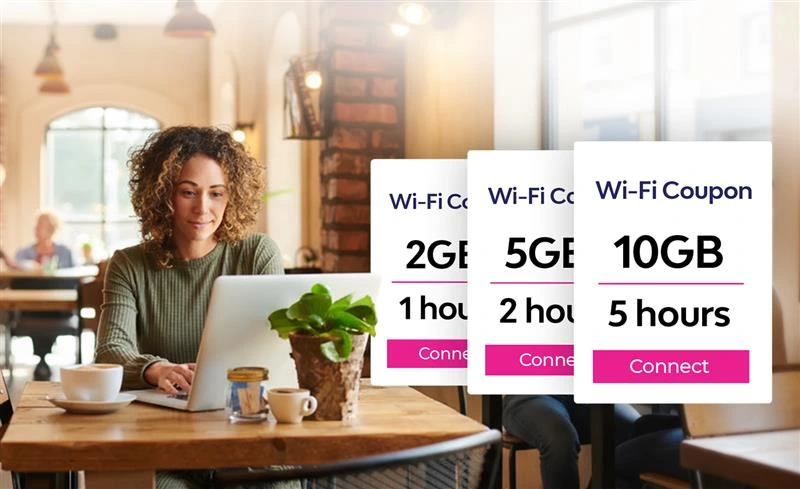
- Day pass Wi-Fi vouchers
Sell time-based vouchers for drop-in users and visitors. - Tiered Wi-Fi access
Include standard Wi-Fi in membership and upsell premium speeds. - Event-based Wi-Fi access
Offer branded Wi-Fi vouchers for workshops, meetups, and conferences. - Partner-sponsored access
Local brands sponsor guest Wi-Fi in exchange for visibility on the splash page. - Pay-per-device access
Charge extra for additional devices beyond a basic allowance. - Bundled services
Combine Wi-Fi access with meeting room bookings or daily desk passes.
With proper bandwidth control in co-working spaces, monetization never compromises performance.
Step-by-Step: Implementing a Branded Captive Portal with Monyfi
A captive portal for co-working spaces is the foundation of secure access and monetization. Here is how to set it up using Monyfi.
- Connect your router or access points to Monyfi
Compatible with most modern networking hardware.
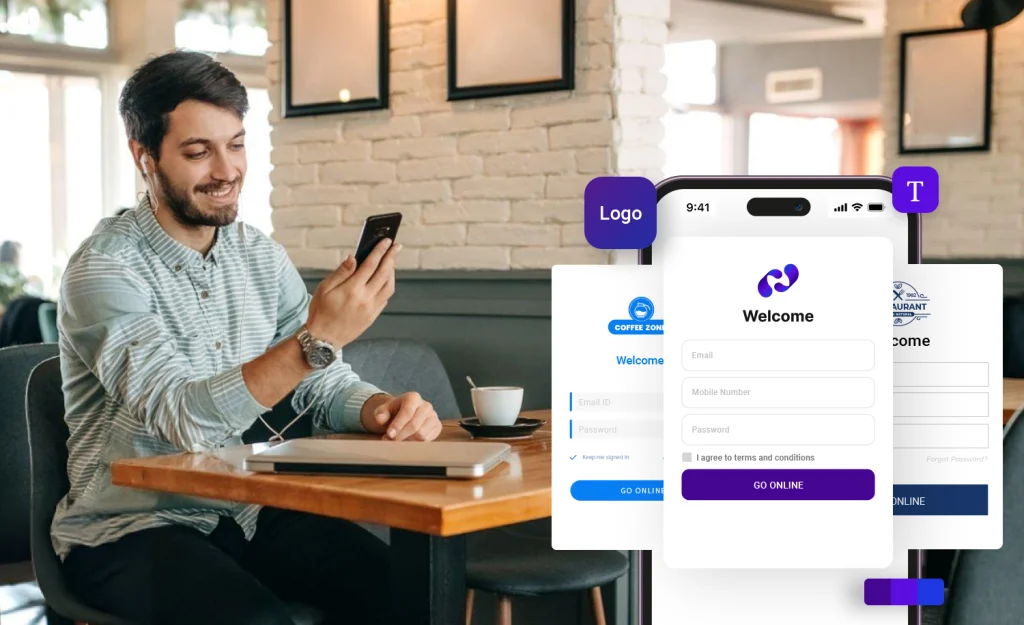
Screenshot placeholder - Create your branded splash page
Add your logo, colors, and welcome message.
Screenshot placeholder - Choose authentication methods
Options include email login, voucher codes, or member credentials. - Set access rules
Define speed limits, session duration, and device limits. - Create Wi-Fi vouchers
Generate day pass Wi-Fi vouchers for co-working visitors. - Enable analytics tracking
Monitor sessions, returning users, and peak usage times. - Go live and test
Ensure smooth login across devices before full rollout.
Learn more on the Monyfi product page at /product/ or explore support resources at /help/.
Boosting Member Retention with Wi-Fi Analytics and Personalization
Reliable Wi-Fi keeps members productive. Smart Wi-Fi keeps them loyal.
With Wi-Fi analytics for co-working operators, you can:
- Recognize returning users automatically
Devices reconnect without repeated logins, improving experience. - Understand usage patterns
Identify peak hours and plan upgrades proactively. - Personalize offers
Show targeted messages or discounts on the branded splash page. - Build a Wi-Fi loyalty program for co-working
Reward frequent users with faster speeds or free access days.
Personalization transforms guest Wi-Fi for co-working spaces into a member engagement tool.
Wi-Fi Trends Shaping Co-Working in 2026
The following Wi-Fi trends will define flexible workspaces over the next few years:
- Wi-Fi 7 adoption for ultra-low latency and higher device density
- AI-driven bandwidth allocation that adapts in real time
- Seamless roaming across multi-floor or multi-location spaces
- Stronger device isolation standards for shared environments
- Deeper analytics integration with CRM and workspace tools
Staying ahead of Wi-Fi trends in 2026 gives co-working brands a clear competitive edge.
Measuring Success: Key Wi-Fi KPIs for Co-Working Operators
Tracking the right metrics ensures your Wi-Fi strategy delivers results.
| KPI | Why It Matters |
|---|---|
| Network uptime | Reliability directly impacts member satisfaction |
| Average session duration | Indicates engagement and usage quality |
| Concurrent users | Helps plan capacity and upgrades |
| Voucher redemptions | Measures Wi-Fi monetization performance |
| Returning user rate | Signals loyalty and retention |
| Bandwidth usage per user | Supports fair use and optimization |
Monyfi dashboards make these KPIs easy to monitor in real time.
Real-World Examples / Mini Case Studies
Case Study 1: Urban Co-Working Hub
A mid-sized co-working space introduced day pass Wi-Fi vouchers for walk-ins. Within three months, Wi-Fi voucher sales covered 40 percent of their monthly internet costs.
Case Study 2: Startup-Focused Workspace
By implementing tiered Wi-Fi access, premium members received faster speeds. Member satisfaction scores increased, and churn dropped noticeably.
Case Study 3: Event-Driven Co-Working Space
Using branded captive portals during events, the operator collected opt-in emails and converted attendees into long-term members.

Frequently Asked Questions
What is the best way to secure Wi-Fi in a co-working space?
Use network segmentation, device isolation, strong encryption, and a captive portal instead of shared passwords.
How can I monetize day passes with Wi-Fi vouchers?
Create time-limited voucher codes that guests purchase or receive with a day pass.
Does Monyfi support tiered access for members vs guests?
Yes. You can assign different speeds, limits, and access rules for each user type.
Is captive portal Wi-Fi compliant with GDPR?
When configured correctly, captive portals can be fully GDPR-compliant with proper consent and data handling.
Can Wi-Fi analytics improve member retention?
Yes. Analytics help personalize access, identify issues early, and reward loyal users.
Do I need new hardware to use Monyfi?
Monyfi works with most modern routers and access points used in co-working spaces.
Conclusion: Turn Co-Working Wi-Fi into a Growth Engine
In 2026, co-working Wi-Fi is no longer just about internet access. It is about security, experience, and revenue. With the right Wi-Fi management for co-working spaces, operators can protect members, monetize guest access, and build lasting relationships through smart data insights.
Monyfi helps co-working operators transform Wi-Fi from a hidden cost into a strategic asset. From branded captive portals to powerful analytics and flexible pricing models, everything is designed for modern shared workspaces.
Ready to upgrade your co-working Wi-Fi?
Start exploring Monyfi today with a free trial or visit /pricing/ and /industries/ to see how it fits your workspace.